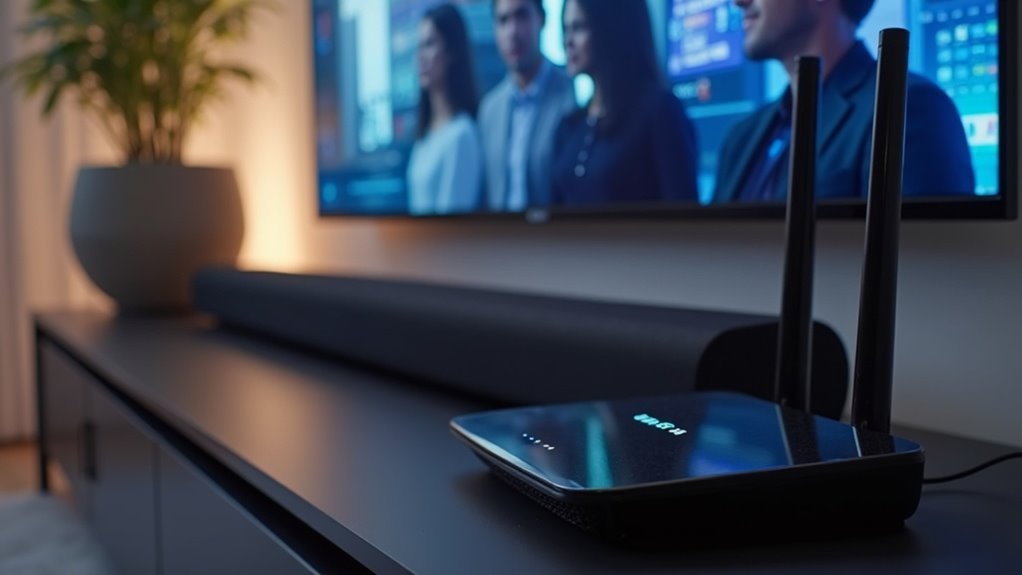
Many soundbars are compatible with Wi-Fi 6, offering improved audio streaming and reduced latency for an enhanced listening experience. To ensure your soundbar works with Wi-Fi 6 technology, verify that it supports the 802.11ax protocol. Upgrading to a Wi-Fi 6 router can further enhance your audio performance. Additionally, consider key features like Dolby Atmos and HDMI eARC support when selecting a soundbar. If you need guidance on setting up your soundbar or troubleshooting connectivity issues, additional helpful information is available on this website.
Key Takeaways
- Not all soundbars are compatible with Wi-Fi 6; be sure to check for 802.11ax protocol support before making a purchase.
- Upgrading to a Wi-Fi 6 router can enhance audio quality and reduce latency when using soundbars.
- To maximize your audio experience, look for soundbars that specify Wi-Fi 6 compatibility.
- Regular firmware updates for soundbars and routers are essential for maintaining optimal performance.
- Choosing a Wi-Fi 6 compatible soundbar ensures future-proofing, providing improved streaming capabilities and reduced network congestion.
Understanding WiFi 6 Technology
Wi-Fi 6, also known as 802.11ax, is a game-changer in wireless technology, especially for enhancing your soundbar experience. It offers speeds that are up to three times faster than its predecessor, Wi-Fi 5, which means you can enjoy high-quality audio streaming without interruptions.
This advanced technology optimizes performance for multiple devices, making it perfect for smart homes equipped with various gadgets, including soundbars.
Wi-Fi 6 enhances device performance, making it ideal for smart homes filled with soundbars and other gadgets.
With Wi-Fi 6, you can expect improved battery life for your devices thanks to efficient data transfers, allowing your soundbar and other audio equipment to stay connected for longer periods.
Additionally, it reduces network congestion, ensuring that your audio experiences remain smooth and uninterrupted even in crowded environments.
Understanding Wi-Fi 6 can help you maximize the performance of your soundbar and enjoy seamless connectivity across all your audio devices.
Benefits of WiFi 6 for Audio Streaming
As you explore the benefits of Wi-Fi 6 for soundbars, you’ll discover that its ability to deliver faster speeds significantly enhances your audio experience.
With up to three times the speed of previous versions, you can enjoy high-resolution audio formats, like Dolby Atmos, without interruptions.
Wi-Fi 6 efficiently manages multiple devices, making it ideal for smart homes where soundbars and rear speakers are connected. It minimizes network congestion, ensuring a reliable connection even in crowded environments.
Additionally, improved battery efficiency means your soundbar’s Wi-Fi performance lasts longer, allowing you to immerse yourself in your favorite music and movies without any concerns.
Compatibility of Soundbars With Wifi 6
While many modern soundbars can seamlessly connect to Wi-Fi 6 routers, ensuring compatibility is essential for optimizing your audio experience.
To make the most of Wi-Fi 6 in your living room, consider the following:
- Check if your soundbar supports the 802.11ax protocol.
- Review the specifications before purchasing to confirm Wi-Fi 6 compatibility.
- Upgrade to a Wi-Fi 6 router for enhanced audio quality and reduced latency.
- Remember that model compatibility may vary, so research thoroughly to find the best soundbar for your needs.
Key Features to Look for in a Soundbar
When selecting a soundbar, it’s essential to prioritize wireless connectivity options, as they significantly enhance your audio streaming experience.
Look for models that support advanced technologies such as Dolby Atmos for superior sound quality and compatibility with various devices.
These features not only boost overall performance but also ensure that your soundbar setup remains versatile and future-proof.
Wireless Connectivity Options
Selecting a soundbar with advanced wireless connectivity options is essential for enhancing your audio experience. Here are some key features to consider:
- Wi-Fi 6 Support: Ensures faster, more reliable streaming, minimizing latency, particularly beneficial in households with multiple devices.
- Bluetooth 5.3 Compatibility: Allows for seamless audio streaming from various devices while maintaining a strong and stable connection.
- HDMI eARC Support: Streamlines connections and improves audio quality by supporting high-bandwidth formats such as Dolby Atmos.
- Advanced Microphone Array: Facilitates voice control and sound tuning, optimizing audio quality and user convenience within smart home environments.
Incorporating these features will significantly enhance your soundbar’s performance, resulting in a truly immersive audio experience.
Sound Quality Enhancement
To truly elevate your audio experience with a soundbar, focusing on sound quality enhancement features is crucial.
Look for advanced driver configurations, such as the Arc Ultra’s 14 Sonos-engineered drivers, which provide superior clarity. Technologies like Dolby Atmos and TrueCinema create immersive soundscapes, adding height and depth to your audio.
Built-in enhancements like Sound Motion™ can significantly improve bass response and overall soundstage. Ensure your soundbar supports HDMI eARC for high-quality audio transmission.
Additionally, features that enable seamless integration with smart home systems and Wi-Fi 6 compatibility will enhance streaming efficiency, providing a rich listening experience for you and your loved ones.
Compatibility With Multiple Devices
An impressive sound quality is just the beginning; compatibility with multiple devices is essential for maximizing your soundbar’s potential.
When shopping for the perfect soundbar, consider these key features:
- Wi-Fi 6 Support: Ensures faster, reliable connections with multiple devices, enhancing your audio experience.
- Dual-Band Wi-Fi: Easily connects to both 2.4 GHz and 5 GHz networks for uninterrupted streaming.
- Bluetooth 5.3: Provides seamless audio streaming from Bluetooth devices while improving overall connectivity with Wi-Fi.
- Voice Control Compatibility: Works with smart home systems like Amazon Alexa, allowing for convenient hands-free operation.
How to Set up Your Soundbar With Wifi 6
To set up your soundbar with Wi-Fi 6, begin by confirming that you have a compatible Wi-Fi 6 router for optimal performance.
Next, utilize the Sonos app or your soundbar’s built-in interface to connect it to your home network.
This connection will significantly enhance your audio experience and improve the soundbar’s connectivity with multiple devices, allowing for seamless streaming and advanced features.
Choose Wi-Fi 6 Router
Setting up your soundbar with a Wi-Fi 6 router can greatly enhance your audio experience by improving speed and reducing latency.
To choose the right Wi-Fi 6 router, follow these steps:
- Check Compatibility: Ensure that your soundbar supports Wi-Fi 6 technology for optimal performance.
- Update Firmware: Keep your soundbar’s firmware up to date to maximize audio quality and connectivity.
- Router Placement: Position the router centrally in your home to ensure a strong and stable signal for your soundbar.
- Multiple Connections: Select a router that can efficiently manage multiple devices, allowing you to stream high-quality audio seamlessly.
Connect Soundbar via App
How can you effortlessly connect your soundbar to a Wi-Fi 6 network?
First, ensure your soundbar is Wi-Fi 6 compatible and has the latest firmware updates.
Use the dedicated app for your soundbar brand to facilitate the connection; this app streamlines access to settings and voice control features.
Confirm that your router supports Wi-Fi 6 (802.11ax) for optimal performance.
Follow the on-screen instructions in the app, entering your Wi-Fi credentials accurately.
Once connected, test your soundbar by streaming audio content to experience the enhanced sound quality and connectivity stability that Wi-Fi 6 offers compared to previous Wi-Fi versions.
Troubleshooting Common Connectivity Issues
While enjoying your soundbar’s immersive audio experience, you might encounter connectivity issues that can disrupt your streaming.
To troubleshoot these problems, consider the following steps:
- Switch to a 2.4 GHz network for a more stable connection, which is often better for devices like soundbars.
- Check your router’s WPA3 security settings, as they may interfere with connections to your soundbar.
- Review band steering settings to separate frequency bands and reduce conflicts that may affect your soundbar’s connectivity.
- Regularly update your soundbar’s firmware and router settings to guarantee peak performance and optimal audio enjoyment.
Enhancing Your Home Theater Experience
To elevate your home theater experience, integrating a soundbar that supports Wi-Fi 6 can make a significant difference.
Devices like the Sonos Arc Ultra enhance streaming capabilities and audio performance, ensuring stable connections even during high-demand usage. Wi-Fi 6 reduces latency and improves audio quality, making it perfect for immersive Dolby Atmos soundtracks.
These soundbars handle high-bandwidth tasks seamlessly, allowing for uninterrupted streaming of high-definition audio. By pairing a Wi-Fi 6 router with your soundbar, you create a more efficient home network that optimizes audio experiences while accommodating multiple smart devices, ultimately enhancing your entertainment needs more effectively.
Future-Proofing Your Audio Setup
As technology continues to evolve, securing a soundbar compatible with Wi-Fi 6 is essential for future-proofing your audio setup.
Here’s how a Wi-Fi 6 soundbar can enhance your experience:
- Faster speeds for seamless high-quality audio streaming.
- Improved connectivity within smart homes featuring multiple devices.
- Reduced latency and increased bandwidth, delivering high-definition sound.
- Extended lifespan of your audio setup, ensuring compatibility with future wireless advancements.
Investing in a Wi-Fi 6 soundbar not only enhances your current audio experience but also prepares you for future innovations, keeping your sound system efficient and up-to-date for years to come.







