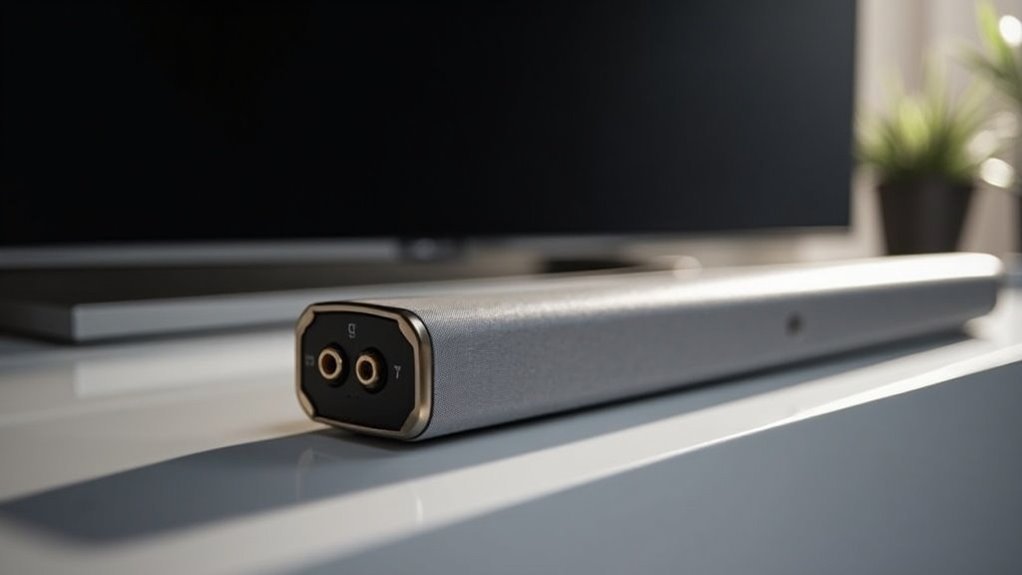
Yes, a soundbar can accept eARC to ARC adapters, allowing you to connect eARC-compatible devices to your existing ARC soundbar. This setup lets you enjoy advanced audio formats like Dolby Atmos through a single HDMI connection. Just ensure that both your soundbar and the adapter support ARC functionality. Using a high-quality HDMI cable further enhances audio fidelity. Stay tuned to discover more about maximizing your audio experience with eARC to ARC setups specifically tailored for soundbars.
Key Takeaways
- Yes, soundbars can accept eARC to ARC adapters, allowing you to connect eARC devices to your existing ARC soundbar.
- It’s important to check compatibility, as not all soundbars support ARC functionality.
- To achieve optimal audio quality when using the adapter, make sure to use a high-quality HDMI cable.
- For proper communication and control between devices, enable HDMI-CEC and ARC settings on both the soundbar and the connected device.
- For detailed setup instructions and compatibility information, refer to your soundbar’s product manual.
Understanding Earc and ARC
When you’re setting up your soundbar with a home theater system, it’s essential to understand the differences between eARC (Enhanced Audio Return Channel) and ARC (Audio Return Channel).
eARC provides enhanced bandwidth and supports higher-quality audio formats, like Dolby Atmos, which can significantly elevate your listening experience with your soundbar.
ARC, while functional, is limited in audio quality and may not support advanced formats like Dolby TrueHD.
To ensure optimal performance, verify that your soundbar and TV have HDMI ports labeled “ARC/eARC.”
If you connect an eARC-compatible soundbar to a TV with only an ARC port using an adapter, keep in mind that audio quality will be constrained by ARC’s limitations.
Benefits of Using Earc to ARC Adapters
Using an eARC to ARC adapter can significantly enhance your soundbar setup, particularly if you’re integrating modern devices with older ones.
These adapters enable you to connect eARC-compatible sources directly to your existing ARC soundbar, allowing you to enjoy advanced audio formats such as Dolby Atmos.
By utilizing a single HDMI connection, you can simplify your soundbar setup while maintaining high audio fidelity through lossless audio transmission.
This upgrade isn’t only easy to implement—often requiring no special configuration—but also budget-friendly, enabling you to elevate your audio experience without the need to replace your soundbar.
Embrace the next generation of audio with minimal hassle and investment, ensuring your soundbar remains a central component of your entertainment system.
Setup for Connecting Earc to ARC
To set up your eARC to ARC connection effectively with your soundbar, start by verifying that both your eARC device and ARC soundbar are compatible with the adapter you’re using.
Use a high-quality HDMI cable that supports eARC to connect the adapter to your soundbar for optimal audio output. This setup allows higher bandwidth audio formats like Dolby Atmos to pass through, although your soundbar may not fully utilize all features.
For the best audio experience, use a high-quality eARC-compatible HDMI cable to connect your soundbar.
Check your soundbar’s settings to ensure it’s configured to receive audio via the HDMI ARC port.
Finally, consult your soundbar’s product manual for any specific setup steps or power requirements for the adapter.
HDMI CEC Control and Compatibility
Setting up your soundbar with an eARC to ARC connection opens the door to enhanced audio experiences, but it also brings into play the importance of HDMI CEC (Consumer Electronics Control).
This feature allows you to control your soundbar and other audio devices seamlessly with a single remote. However, compatibility can vary based on brand-specific names like SimpLink or Anynet+.
You’ll need to enable CEC in your settings menu for optimal control.
Keep in mind that troubleshooting may arise if CEC isn’t functioning, often due to device age or firmware differences.
Ensuring your HDMI connections are correct will significantly enhance your overall audio experience with your soundbar.
Troubleshooting Common Issues
While enjoying your soundbar’s enhanced audio capabilities, you might encounter some common issues that can disrupt your experience.
First, confirm that both your soundbar and TV support ARC functionality when using an eARC to ARC adapter. Ensure that your HDMI cables are rated as High Speed or Ultra High Speed to handle the necessary audio bandwidth.
Ensure your soundbar and TV support ARC functionality and use High Speed or Ultra High Speed HDMI cables for optimal performance.
Don’t forget to check the settings; enabling HDMI-CEC and ARC on both devices is essential for optimal connection.
If you experience audio dropouts or sync issues, restarting both your TV and soundbar can often resolve these problems.
For specific compatibility issues, consulting the user manuals can provide valuable guidance in troubleshooting.
Enhancing Audio Quality With Proper Connections
To enhance your audio quality with a soundbar, it’s vital to ensure adapter compatibility between your eARC device and the soundbar itself.
Utilizing a high-speed HDMI cable can significantly improve performance, enabling you to enjoy lossless audio formats even with an ARC soundbar.
Always check the specifications of your soundbar and connected devices to maximize the benefits of your audio setup.
Adapter Compatibility Considerations
How can you ensure optimal audio performance when connecting a modern soundbar to an older TV? Ensuring adapter compatibility is key. When utilizing eARC to ARC adapters, verify that both your soundbar and TV support ARC to enhance audio quality. Seek out adapters that explicitly mention support for high-end audio formats like Dolby Atmos. This will help you avoid sound quality limitations. Always refer to user manuals and product specifications to confirm compatibility with your current setup, as performance may fluctuate.
| Feature | Consideration |
|---|---|
| Adapter Type | eARC to ARC |
| Supported Formats | Dolby Atmos, DTS, PCM |
| Compatibility Check | TV and Soundbar must support ARC |
| Performance Factor | Varies by setup |
| Connection Type | HDMI |
Audio Quality Improvements
When you connect your soundbar using the right eARC to ARC adapter, you can significantly elevate your audio experience.
eARC supports higher bandwidth, allowing your soundbar to receive advanced audio formats such as Dolby Atmos and lossless audio streams. This means you’ll enjoy high fidelity sound without any compression.
By ensuring your TV, soundbar, and sources are eARC-compatible, you maximize audio quality and enable seamless playback of rich soundtracks.
Unlike standard ARC, eARC connections effectively handle multi-channel audio streams, delivering formats like Dolby TrueHD and DTS Master Audio with remarkable clarity and depth, transforming your home entertainment setup into a true cinematic experience with your soundbar.







