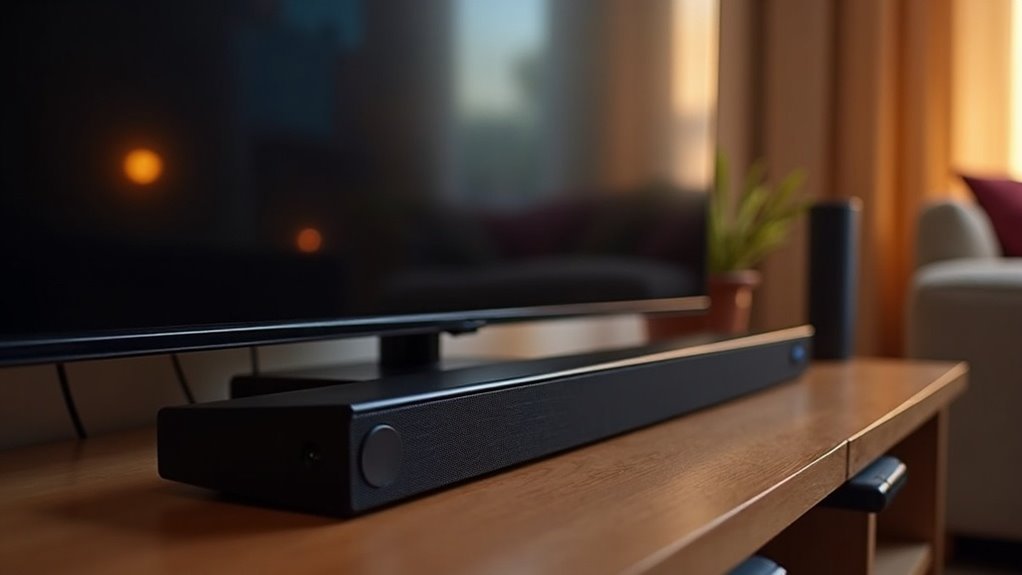
Yes, a soundbar can significantly reduce the impact of loud commercials when connected to a DVR. By utilizing features such as Night Mode and Dynamic Range Control, soundbars help stabilize audio levels, minimizing volume spikes during advertisements. Connecting your soundbar via HDMI ARC or optical cables ensures optimal audio quality. Be sure to adjust the sound settings for the best experience. For more information on effectively managing volume and enhancing your viewing experience with soundbars, additional insights are available.
Key Takeaways
- Soundbars are equipped with dynamic range control that helps minimize loud spikes during commercials, leading to a more consistent audio experience when using a DVR.
- Many soundbars include a night mode feature that compresses audio levels, ensuring that loud commercials do not disrupt the viewing experience while connected to a DVR.
- To achieve optimal sound quality and effective volume management, it’s best to connect a soundbar to a DVR using HDMI ARC or optical cables.
- Soundbars often come with volume leveling features that automatically adjust sound levels, significantly reducing the impact of loud commercials during DVR playback.
- While using a DVR allows viewers to fast-forward through commercials, soundbars enhance audio quality and help manage sound fluctuations for a more enjoyable viewing experience.
Understanding the Impact of Loud Commercials
While you mightn’t think much about it during your favorite shows, loud commercials can considerably disrupt your viewing experience. These ads often exceed the program’s volume, leading to frustration and increased use of mute buttons or DVRs.
Although the CALM Act aims to regulate loudness, many viewers still notice discrepancies due to frequency manipulation. Local broadcasts frequently exhibit more pronounced volume spikes, particularly on networks like FOX and TNT.
To enhance your viewing experience and combat the annoyance of loud commercials, investing in a soundbar with dynamic volume control can be a game changer. These soundbars help stabilize audio levels, ensuring a more consistent and enjoyable audio experience while watching your favorite shows.
Benefits of Using a Soundbar
Investing in a soundbar can greatly enhance your audio experience, especially when it comes to mitigating the annoyance of loud commercials.
Enhance your audio experience with a soundbar, minimizing the annoyance of loud commercials for a smoother viewing journey.
Here are some key benefits of using a soundbar:
- Night Mode minimizes volume disparities between programming and commercials, providing a smoother listening experience.
- Dynamic Range Control stabilizes sound levels, effectively reducing loud spikes that can be jarring.
- Enhanced Dialogue Clarity improves understanding of dialogue without the need to increase the overall volume.
- Customizable Audio Settings allow you to adjust bass and treble to achieve a better balance suited to your preferences.
- Improved Sound Quality makes commercials less disruptive, contributing to a more enjoyable viewing experience.
With a soundbar, you can effectively manage sound levels, ensuring a consistent and pleasant audio experience while watching your favorite shows.
How to Connect Your Soundbar to a DVR
Connecting your soundbar to a DVR can greatly enhance your audio experience, particularly when managing volume levels.
For peak audio quality, use an HDMI cable to connect the soundbar’s HDMI ARC port to the DVR’s HDMI ARC port. Alternatively, optical audio cables can be employed, ensuring the DVR’s audio output is set to optical.
If your DVR features RCA outputs, match the cable colors accordingly. For wireless setups, check Bluetooth compatibility on both devices and follow pairing instructions.
Finally, adjust sound settings on your soundbar, enabling dynamic range control or night mode to reduce loud commercial advertisements during playback.
Leveraging Volume Leveling Features
To effectively manage loud commercials, you should utilize the volume leveling features available on your soundbar.
These settings help stabilize audio output levels, mitigating drastic volume changes during commercial breaks.
Additionally, exploring specific audio settings on your soundbar can enhance your overall viewing experience by ensuring consistent sound across all content.
Soundbar Volume Control Settings
Although you may enjoy the immersive experience a soundbar provides, managing volume levels effectively is essential to avoid jarring disruptions from loud commercials.
To optimize your soundbar’s performance, consider these volume leveling settings:
- Enable Night Mode for audio compression
- Activate automatic volume adjustments for consistent levels
- Use the Night button for Dolby Digital sources
- Explore your soundbar’s device menus for specific audio settings
- Regularly test and adjust settings based on content type
Effective Volume Leveling Techniques
When you want to enjoy a seamless audio experience with your soundbar, leveraging its volume leveling features is crucial. By activating settings like “Night Mode” or “Volume Leveling,” you can effectively manage loud commercials that often disrupt your viewing pleasure. Pair these features with your DVR’s capabilities for optimal results.
| Technique | Description | Benefits |
|---|---|---|
| Night Mode | Compresses dynamic range | Reduces loud commercials |
| Volume Leveling | Maintains consistent audio levels | Prevents volume spikes |
| DVR Adjustment | Sync with soundbar settings | Guarantees content clarity |
| Fast-Forward | Skip commercials quickly | Minimizes disruption |
| Brand Features | Specific modes from top soundbar brands | Tailored audio experience |
Comparing Soundbars and AV Receivers
When comparing soundbars, consider sound quality, volume control features, and ease of use.
Soundbars offer convenient, streamlined setups with integrated features like Night Mode. Understanding these aspects can help you choose the right soundbar for managing loud commercials effectively.
Sound Quality Comparison
While soundbars offer a convenient solution for casual viewers looking to manage loud commercials, they also provide impressive sound quality and volume control capabilities that can enhance your audio experience.
Here’s a comparison of features:
- Soundbars typically feature simplified installation, making them user-friendly.
- Many soundbars come equipped with advanced audio processing technologies.
- Some higher-end soundbars support virtual surround sound for an immersive experience.
- Soundbars often include useful features like night mode or dynamic range compression.
- Users generally appreciate the consistent loudness management offered by soundbars.
Ultimately, if you’re looking for a compact solution that delivers great sound quality and effective volume control for your home entertainment, a soundbar may be the perfect choice, especially for those who prioritize convenience without compromising on audio performance.
Volume Control Features
Many users seek effective volume control features in their home audio systems, especially to manage the annoying loudness of commercials. Soundbars offer various solutions to this issue, making them a popular choice for home audio setups.
| Feature | Soundbars |
|---|---|
| Volume Leveling | Yes |
| Night Mode | Available |
| Advertisement Loudness Mitigation | Limited |
Soundbars provide a streamlined approach to volume control, with features like volume leveling and night mode that enhance the listening experience. Although their capability for mitigating advertisement loudness is somewhat limited compared to AV receivers, they still offer valuable options for managing sound levels effectively.
Exploring the features of soundbars can help you determine if they meet your audio needs and preferences.
Ease of Use
Soundbars stand out for their user-friendly design, making them an appealing choice for anyone looking to manage loud commercials with minimal hassle.
Here’s why soundbars often win over AV receivers:
- Built-in sound processing features, like night mode, help control volume during commercials.
- Simple setup allows for quick integration with your DVR.
- Direct access to volume control and mute buttons on remotes enhances convenience.
- Compact size means easy placement in any entertainment setup.
- Streamlined controls provide a consistent audio experience without complex configurations.
Ultimately, soundbars offer a straightforward solution for reducing disruptive commercial volumes, ensuring you enjoy your viewing experience without interruptions.
User Experiences and Tips for Managing Volume
A common solution for managing loud commercials when using soundbars involves leveraging the Night Mode feature. This feature compresses audio dynamics, making those loud commercials less jarring. Many users recommend adjusting your soundbar and TV settings to enhance Loudness Mitigation (CALM).
| Tip | Benefit |
|---|---|
| Engage Night Mode | Reduces volume fluctuation |
| Use Dolby Volume | Stabilizes sound levels |
| Activate Automatic Gain | Consistent listening experience |
Additionally, utilizing a DVR allows you to fast-forward through commercials altogether. By implementing these tips with your soundbar, you can create a more enjoyable home theater experience and provide a better audio environment for everyone.







