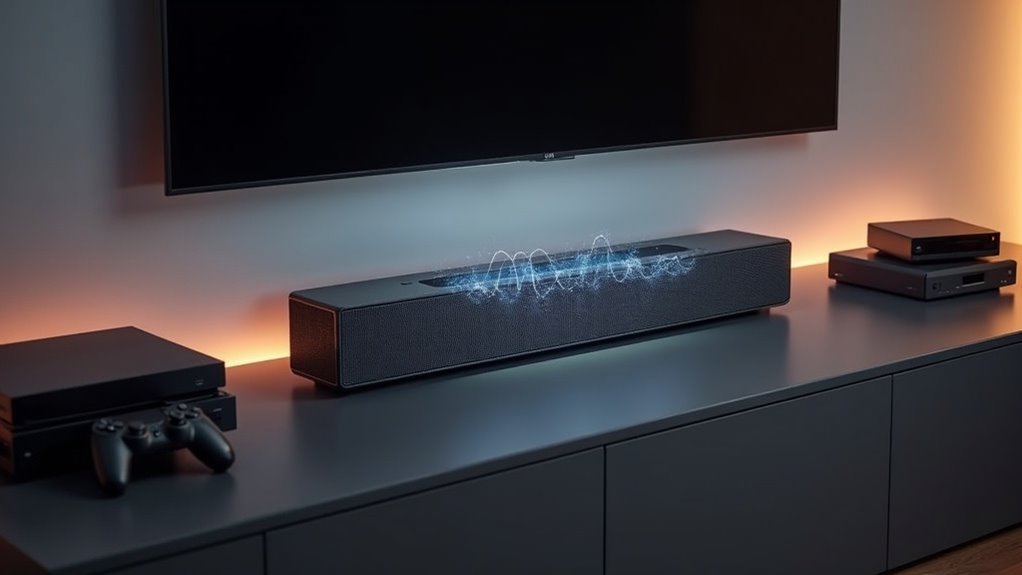
Soundbar auto audio format detection automatically identifies and adjusts to various audio formats like Dolby Digital, Dolby Atmos, and PCM for optimal playback. It connects through HDMI (eARC/ARC) to ensure high-quality audio transmission and automatically adjusts settings without requiring your intervention. If it encounters an unsupported format, it switches to basic mode, preserving uninterrupted audio playback. This feature significantly enhances your overall listening experience. Explore more benefits and tips to maximize your soundbar’s performance.
Key Takeaways
- Soundbar auto audio format detection automatically identifies and adjusts to incoming audio formats for optimal playback quality on your soundbar.
- It supports a variety of formats such as Dolby Digital, Dolby Atmos, and LPCM to enhance your audio experience.
- By utilizing HDMI (eARC/ARC) connections, the soundbar ensures high-quality digital audio transmission without the need for manual adjustments.
- This feature minimizes processing delays, allowing for seamless transitions between different audio sources for a smooth listening experience.
- If an unsupported format is detected, the soundbar will switch to basic mode to guarantee uninterrupted playback.
How Soundbar Auto Audio Format Detection Works
When you’re watching a movie or playing a game, our soundbars with Auto Audio Format Detection ensure you receive the best sound experience possible.
This feature automatically identifies incoming audio formats, such as Dolby Digital, Dolby Atmos, or PCM, from connected devices like TVs and Blu-ray players. By utilizing HDMI (eARC/ARC) connections, our soundbars support high-quality digital audio transmission and read metadata about the audio format.
When set to Auto, the soundbar adjusts its settings without any manual intervention. If it detects an unsupported format, it seamlessly switches to a basic mode, ensuring uninterrupted audio playback while maintaining full functionality.
Benefits of Auto Audio Format Detection
Auto Audio Format Detection in soundbars brings a host of significant benefits that enhance your audio experience.
By automatically identifying and adapting to the incoming audio format, your soundbar guarantees peak playback quality without the need for manual adjustments. This feature minimizes processing delays, allowing formats like Dolby Digital and surround sound to pass through unmodified, thus improving overall listening enjoyment.
With auto detection, you can enjoy seamless transitions between various audio sources, making it easier to switch between streaming services and Blu-ray players. This convenience is especially beneficial for home theater enthusiasts who demand high-quality audio without the hassle of constant reconfiguration.
Common Audio Formats Supported by Soundbars
Soundbars are designed to support a variety of audio formats, providing you with an adaptable listening experience tailored to different media.
Here are some common audio formats you’ll encounter when using soundbars:
- Dolby Digital – A widely used format that offers 5.1 channel surround sound, enhancing your movie-watching experience.
- Dolby Digital Plus – This format enhances audio quality and supports up to 7.1 channels while remaining backward compatible, making it ideal for modern media.
- DTS Audio – Known for delivering high-quality surround sound, DTS is often used in movies and games for an immersive experience.
- LPCM – This format delivers uncompressed audio at up to 96kHz/24-bit, ensuring premium sound fidelity for audiophiles.
These formats collectively enhance your overall audio experience with soundbars, allowing you to enjoy your favorite content in the best possible quality.
Troubleshooting Audio Format Detection Issues
Issues with audio format detection can significantly impact your soundbar experience, even if it supports a variety of audio formats. To troubleshoot these problems effectively, it’s essential to examine your connection methods and source settings. Here’s a quick reference guide to common issues and their solutions:
| Issue | Solution |
|---|---|
| Incompatible connection | Use HDMI ARC or S/PDIF for better compatibility |
| Source device not configured | Change the output format to Bitstream for optimal performance |
| Optical cable limitations | Switch to cables that support multi-channel audio |
| Soundbar not recognizing formats | Manually adjust the audio output settings for proper detection |
| Unsupported audio format | Verify the compatibility of your audio formats with the soundbar |
Tips for Optimizing Soundbar Settings
To achieve the best audio experience with your soundbar, it’s crucial to optimize its settings for seamless performance. Follow these tips:
Optimize your soundbar settings for an unparalleled audio experience by following these essential tips.
- Enable auto audio format detection on your soundbar for the highest quality audio.
- Set your source device, like a Blu-ray player, to Bitstream mode for unprocessed signals.
- Regularly update your soundbar’s firmware to enhance audio format detection and overall performance.
- Use HDMI ARC or eARC connections and set your TV’s audio settings to “Auto Detect” for smoother integration with your soundbar.







