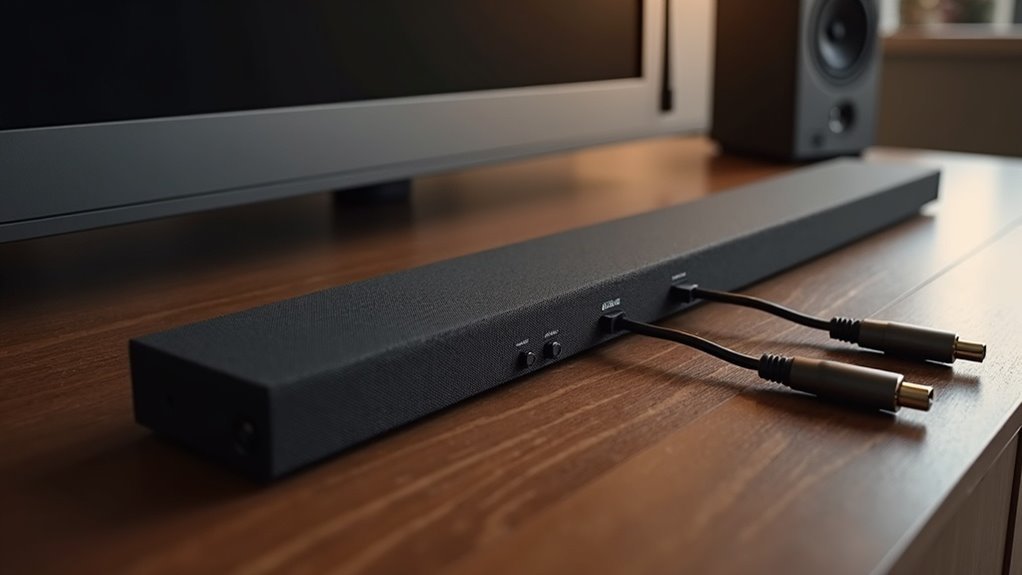
Yes, many soundbars accept ARC to optical adapters, allowing you to connect HDMI ARC-enabled devices to soundbars that feature only optical input. It’s crucial to ensure that your soundbar supports optical audio input and to check the compatibility of the adapter to avoid any connectivity issues. However, be aware that while optical connections can transmit audio, they do not support advanced formats like Dolby Atmos. For the best audio experience with your soundbar, understanding the limitations and compatibility factors is essential, as you will learn more about in our resources.
Key Takeaways
- Soundbars must explicitly support optical audio input to accept ARC to optical adapters.
- Compatibility varies by soundbar model, so it’s important to check specifications before purchasing an adapter.
- Optical connections do not support advanced audio formats like Dolby Atmos, which can limit audio quality.
- When using optical connections, volume control with the TV remote may not be possible.
- Users have reported mixed experiences with ARC to optical adapters; confirming compatibility is crucial for optimal performance.
Understanding ARC and Optical Connections
When you’re setting up your soundbar with your home audio system, understanding the differences between ARC and optical connections is essential.
HDMI ARC allows two-way communication, enabling audio to flow from your TV to the soundbar through a single HDMI port. This connection supports advanced audio formats, providing a richer sound experience.
HDMI ARC enables two-way audio communication, enhancing your sound experience with advanced formats through a single HDMI connection.
In contrast, optical audio connections transmit audio one-way using fiber optic cables, and they lack the capability to support advanced formats like Dolby Atmos. While optical connections can handle multi-channel audio, they’re often associated with older sound systems.
If you need to connect a modern TV to legacy equipment, consider using an HDMI ARC to optical adapter; just make sure to research compatibility to ensure optimal performance with your soundbar.
Compatibility Considerations for Soundbars
How do you ensure your soundbar integrates flawlessly into your audio setup?
First, verify that your soundbar supports HDMI ARC for optimal audio performance.
If you’re considering using an ARC to optical adapter, make sure your soundbar can accept optical audio input, as many models are primarily designed for HDMI.
Keep in mind that optical connections are one-way, meaning you won’t be able to control the volume with your TV remote, which could affect your overall experience.
Compatibility can differ by model, so be sure to check the specifications of both your soundbar and adapter to confirm they can connect effectively and deliver the audio quality you desire.
How ARC to Optical Adapters Work
ARC to Optical adapters are designed to extract audio signals from an HDMI ARC-enabled source and convert them into a format compatible with soundbars that only accept optical inputs.
These adapters support various audio formats, including 2.0CH and 5.1CH, providing flexible audio extraction that caters to your soundbar’s capabilities.
These adapters are versatile, supporting both 2.0CH and 5.1CH audio formats to match your soundbar’s needs.
To ensure compatibility, connect the adapter to the HDMI ARC port on your TV, and make sure to set your soundbar to accept optical input for an optimal listening experience.
Keep in mind that some adapters may not support advanced audio formats like Dolby Atmos, so it’s important to verify compatibility for the best sound quality with your soundbar.
Potential Limitations and Audio Quality
While many users explore the use of ARC to optical adapters for connecting their soundbars, they frequently face notable limitations that can adversely affect sound quality. Soundbars typically rely on direct HDMI ARC connections to effectively decode advanced audio formats, which can lead to restrictions in audio format support. Furthermore, optical connections generally only accommodate stereo PCM or compressed formats, while HDMI ARC is capable of handling high-quality multi-channel audio. The necessity of an adapter may introduce latency issues and result in a decline in audio quality. To ensure optimal functionality, it’s essential to check your soundbar’s specifications.
| Limitation | Impact |
|---|---|
| Audio Format Support | Restricted to basic formats |
| Signal Integrity | Possible quality degradation |
| Latency Issues | Delay in audio playback |
| Compatibility | Varies by soundbar |
| Connection Type | One-way transmission |
User Experiences and Recommendations
When considering the experience of using ARC to optical adapters with soundbars, users often report a range of outcomes. Many soundbars are designed for HDMI ARC connections, which can make setup with optical adapters tricky.
Some users find success with HDMI ARC to optical audio extractors, while others, such as those using the SONOS optical adapter, may not achieve the expected results. Community discussions highlight the importance of checking compatibility and functionality before purchasing any adapters.
To ensure superior audio quality, it’s crucial to confirm that your chosen adapter is compatible with your soundbar connections. Ultimately, user experiences will help guide your decision for the best soundbar setup to meet your needs.







